
Free · Open source · For Mac
Design in
plain words.
Crease is a 3D design app for your Mac. An AI designer models what you describe, checks every part, and changes it whenever you ask.
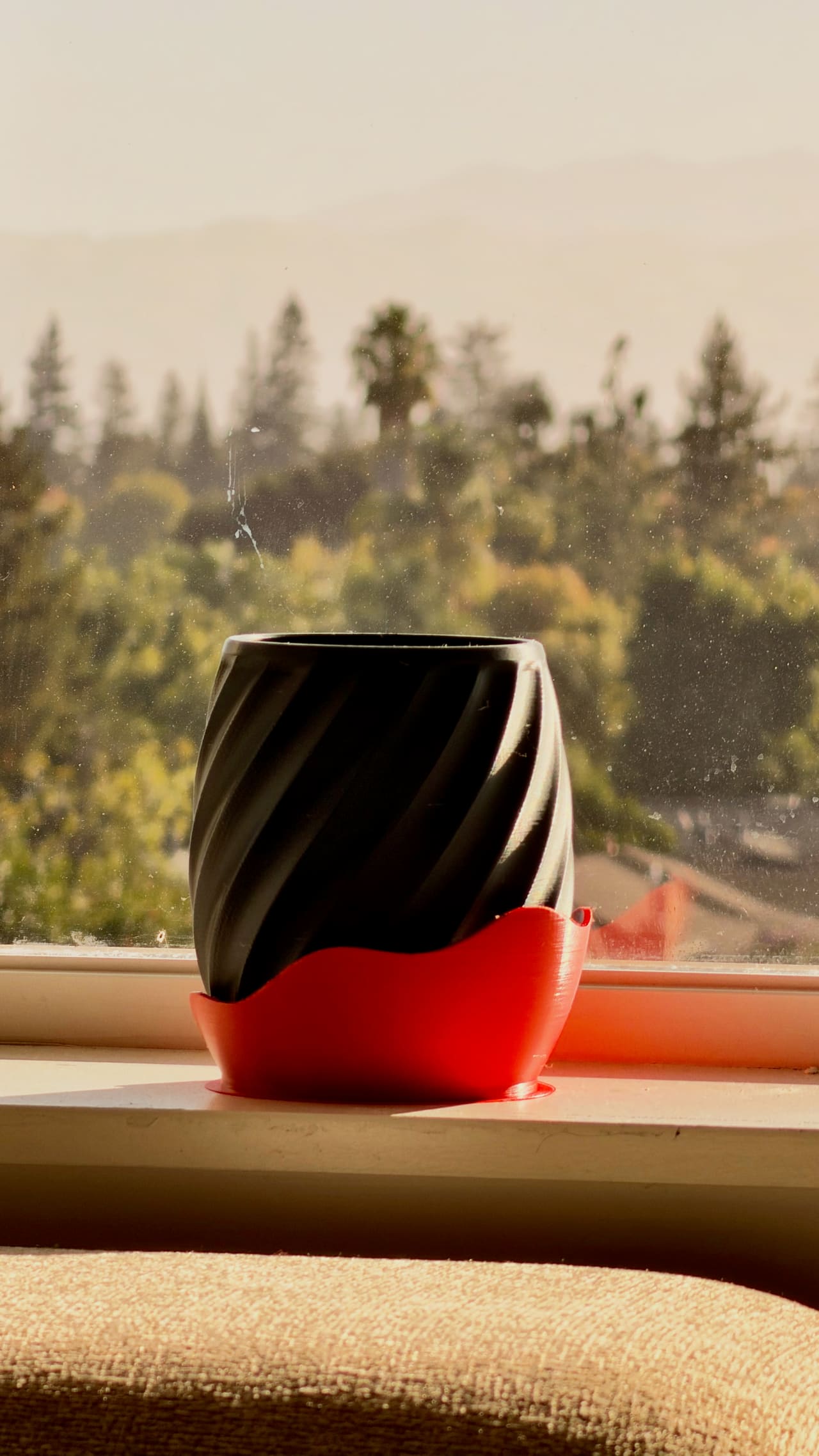
From a sentence
to the real thing.
You make every decision. The designer does the modelling.
-
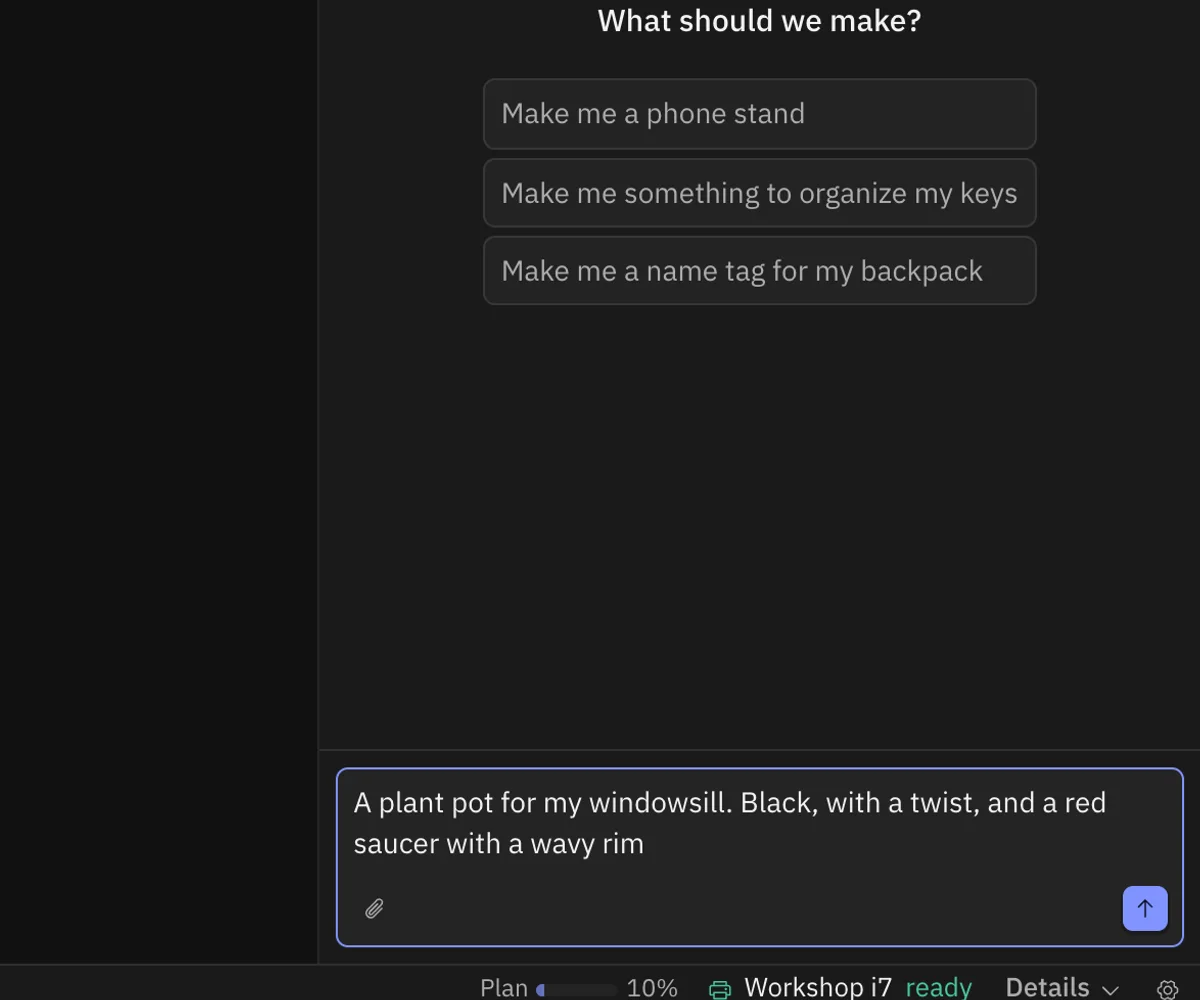
01
Describe it
Say what you want, the way you'd say it. Add a photo if it helps.
-
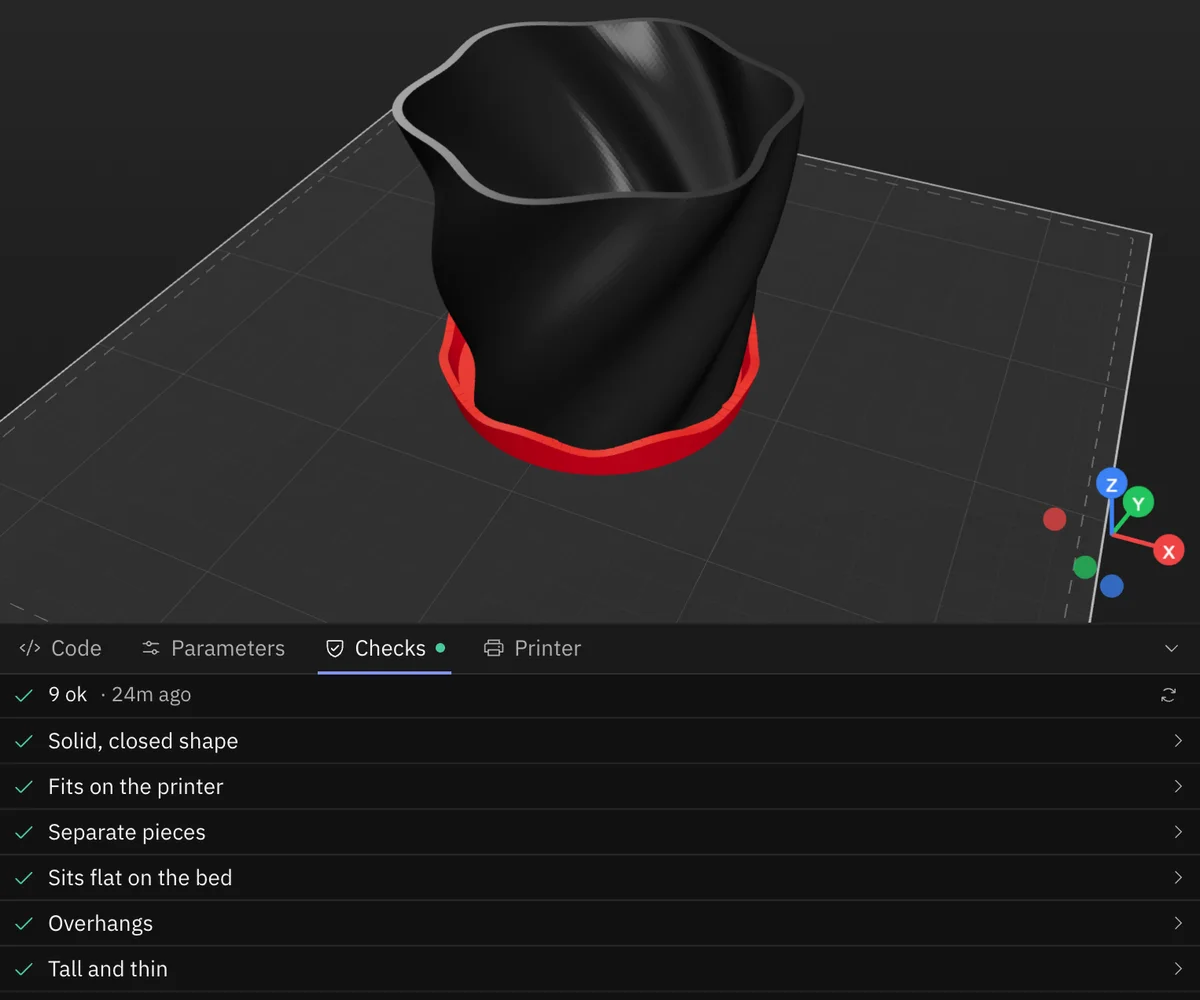
02
It designs
A model from every side, checked: solid, thin walls, overhangs, moving parts.
-
03
Change anything
“Make it black.” “Round knobs instead.” Its questions come with a recommended answer.
-
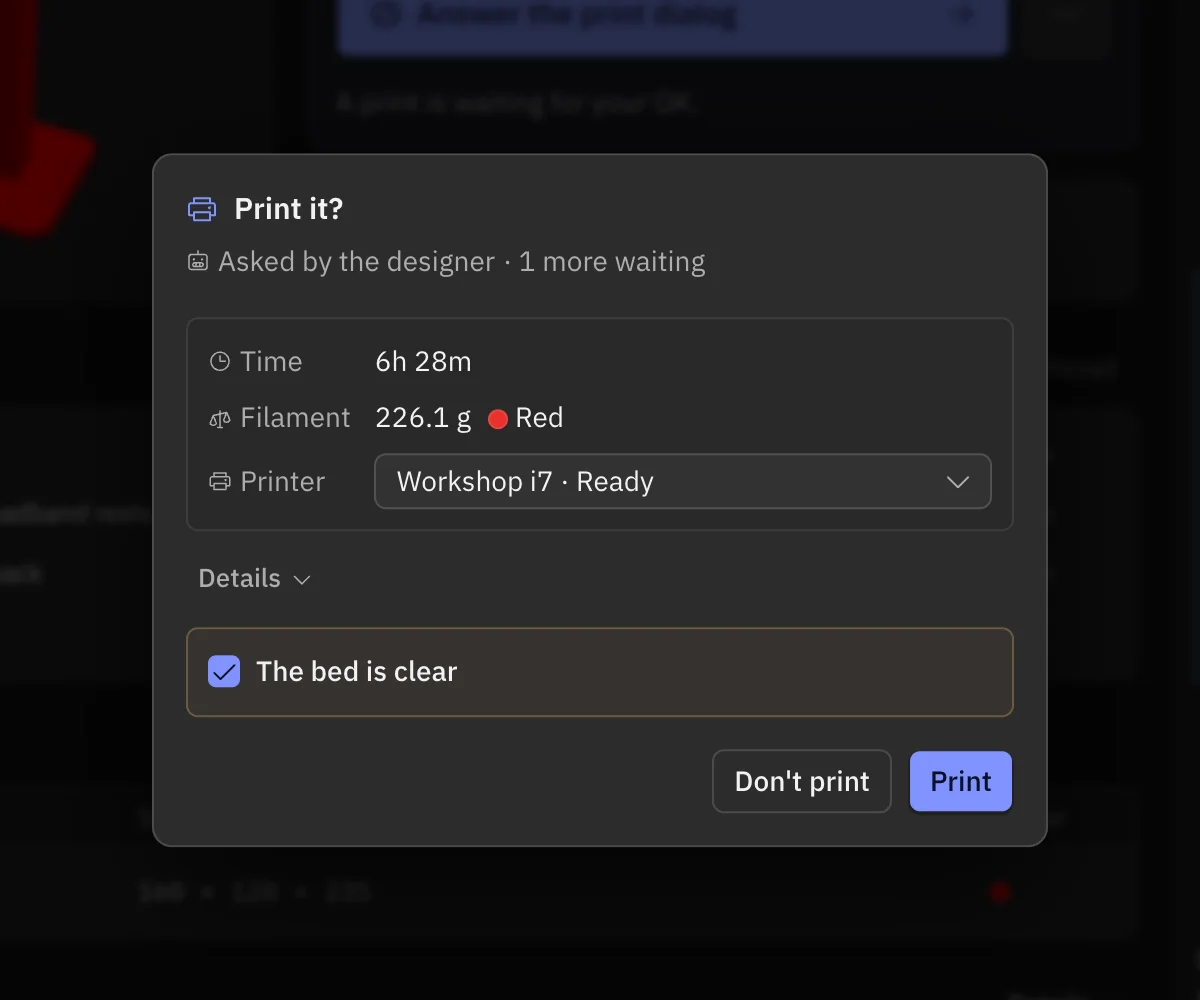
04
Make it real
Export STL or 3MF, or send it to your printer after one approval.
One design,
start to finish.
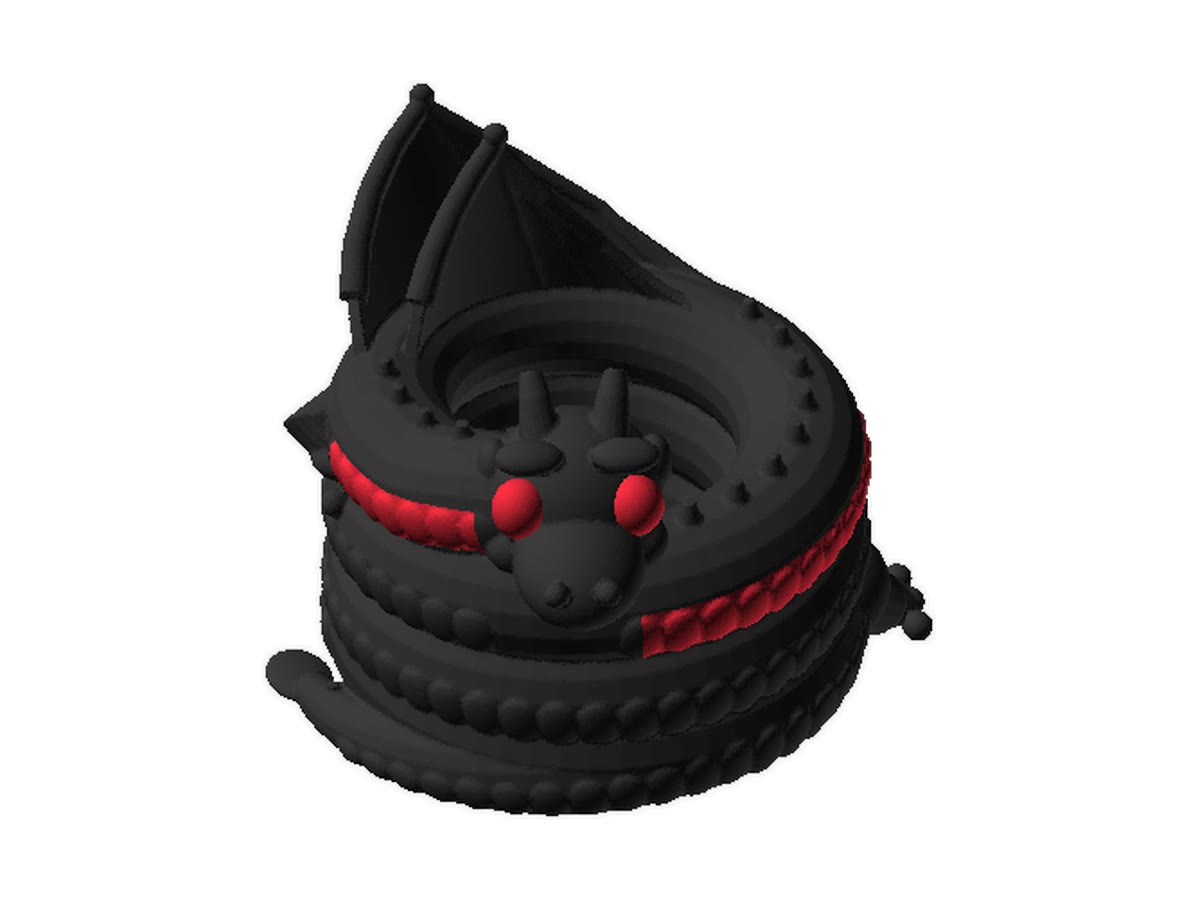
A sculpted dragon pen holder: questions, a change of mind, a fix for the thin spots, the code, every version, and light mode.
Fifteen things,
fifteen sentences.
Each one recorded in the app, from the first sentence to the finished model, sped up.
“Make me a dragon for my desk, curled up around a hole that holds my pens. Black with red eyes and a red belly.”
Designed by Claude · Sculpted in Blender · fixes its own thin spots · code · versions · light and dark
Designed
in Crease.
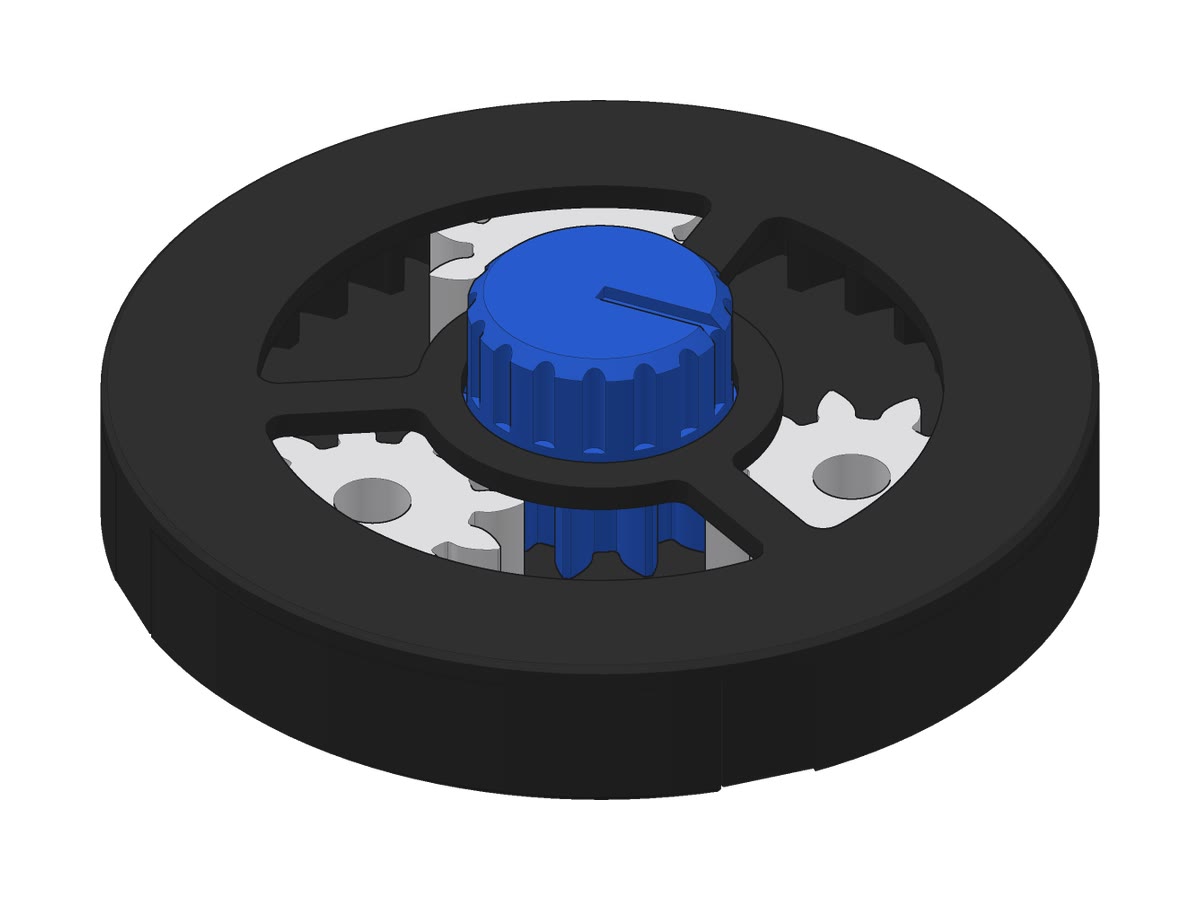
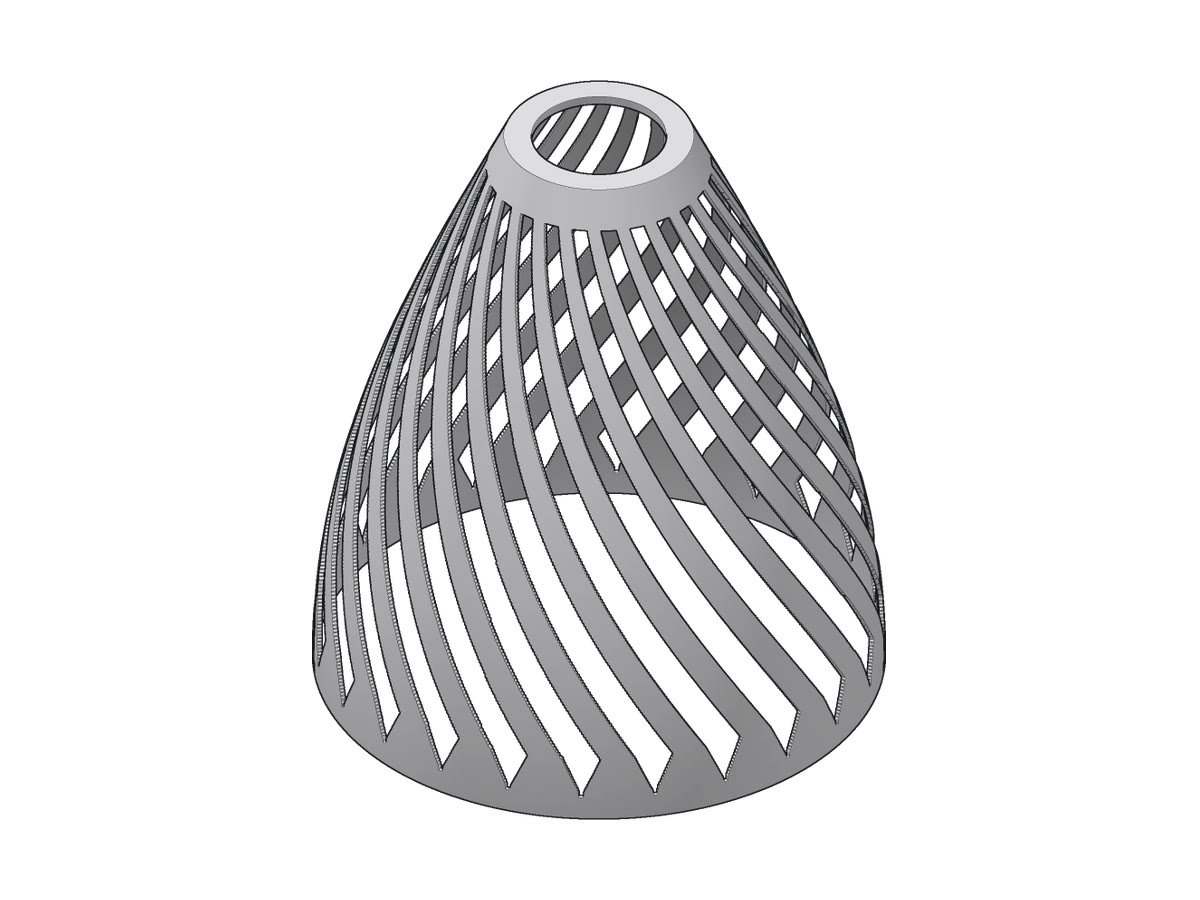
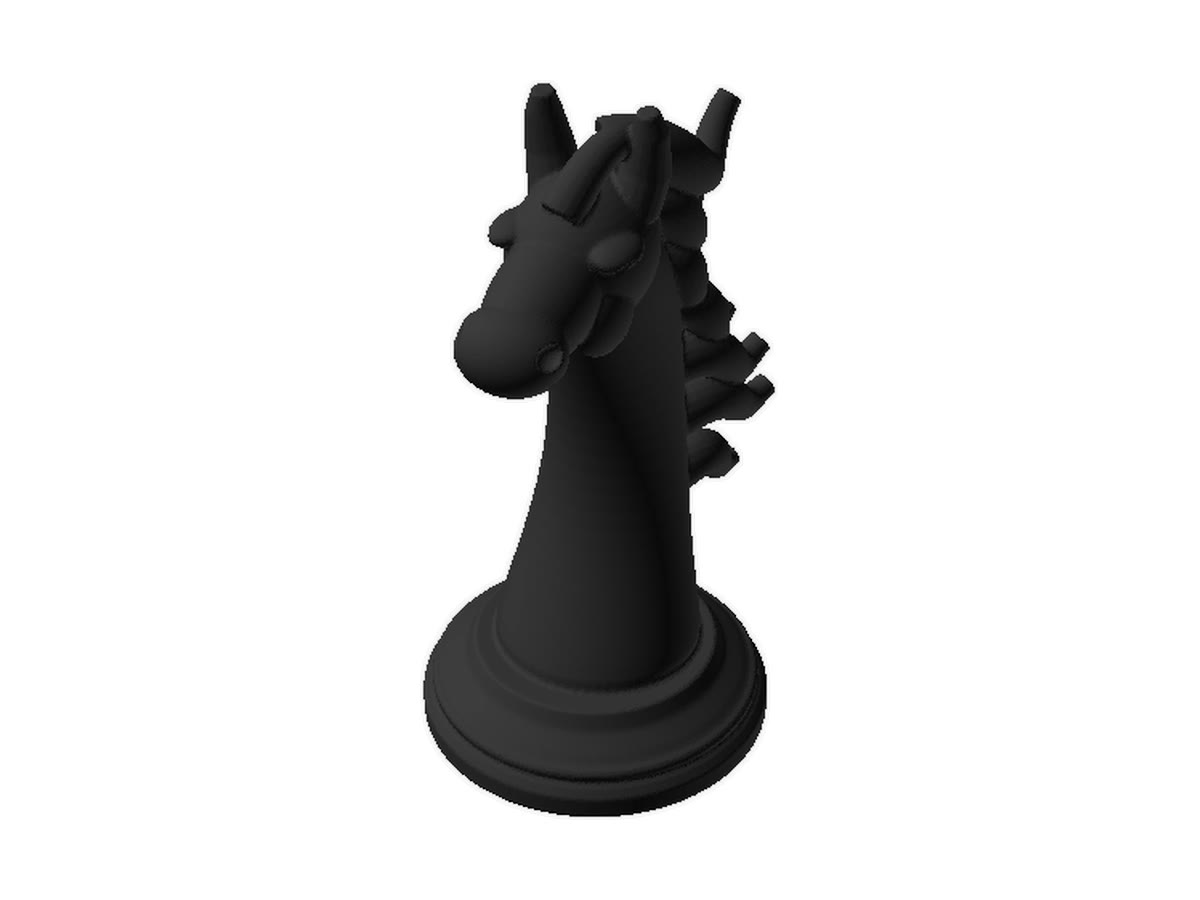
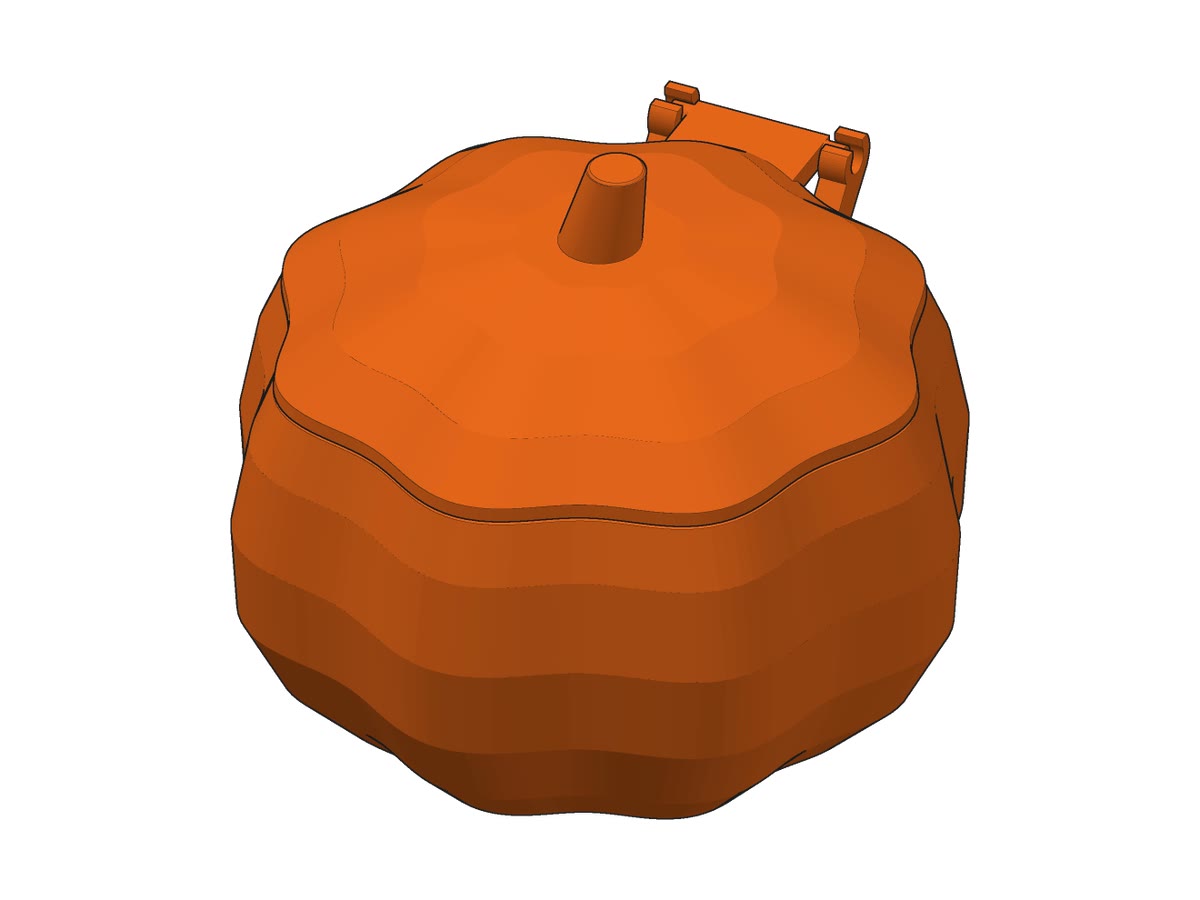
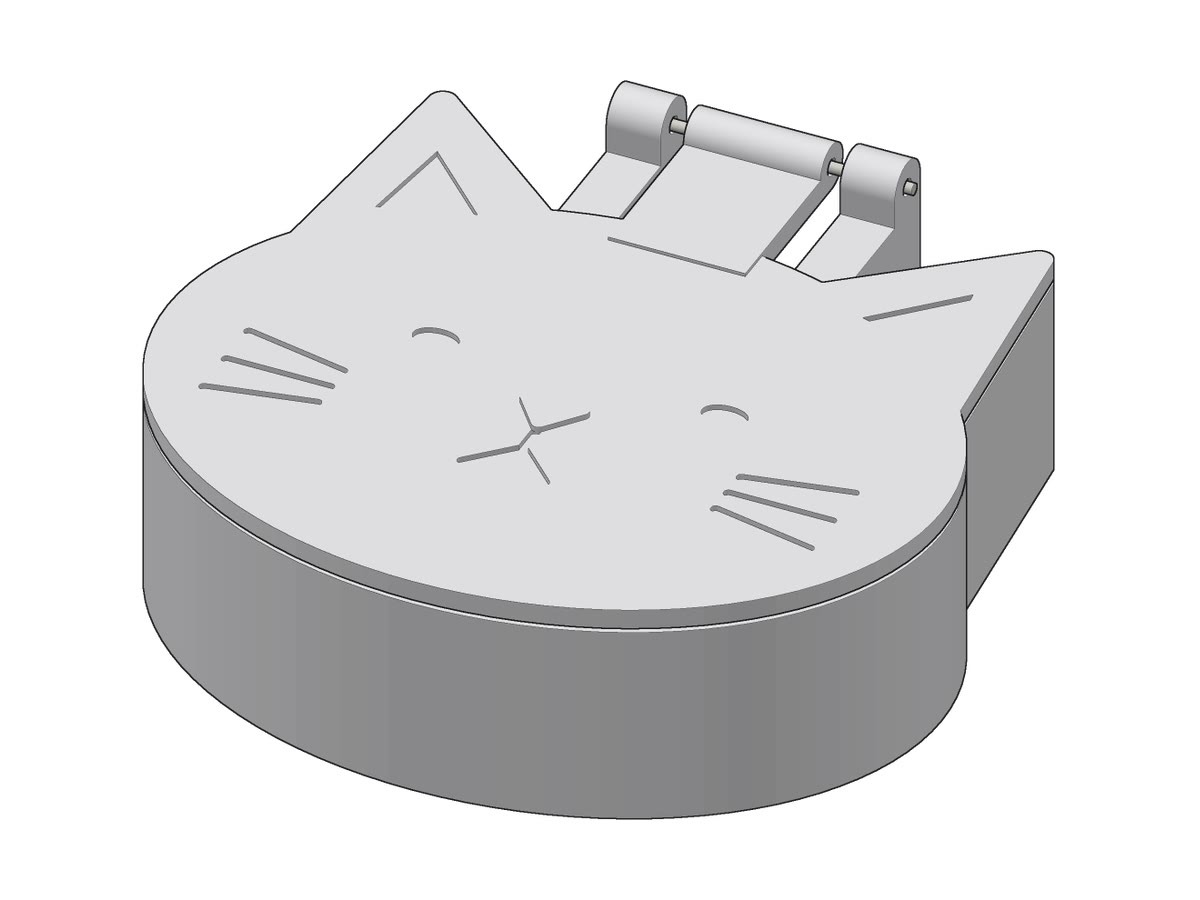
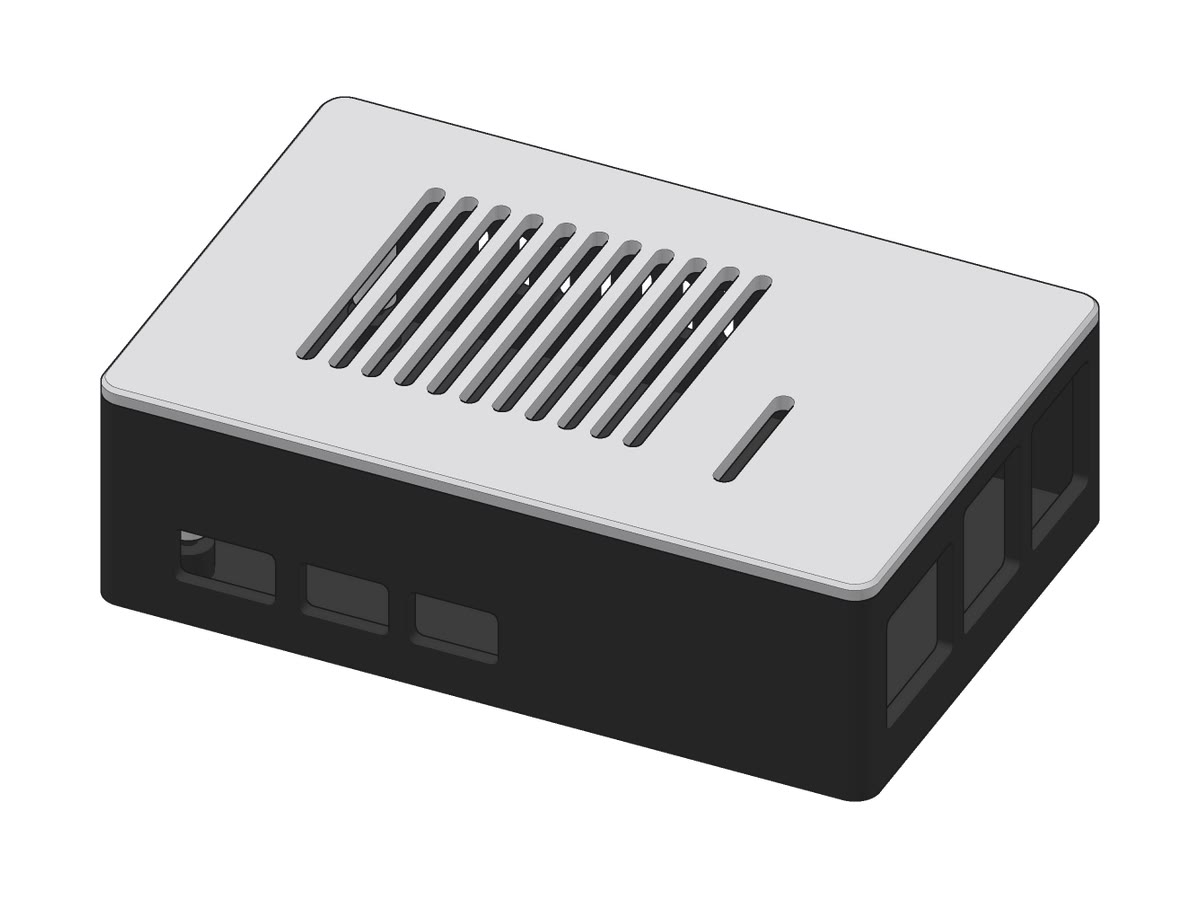
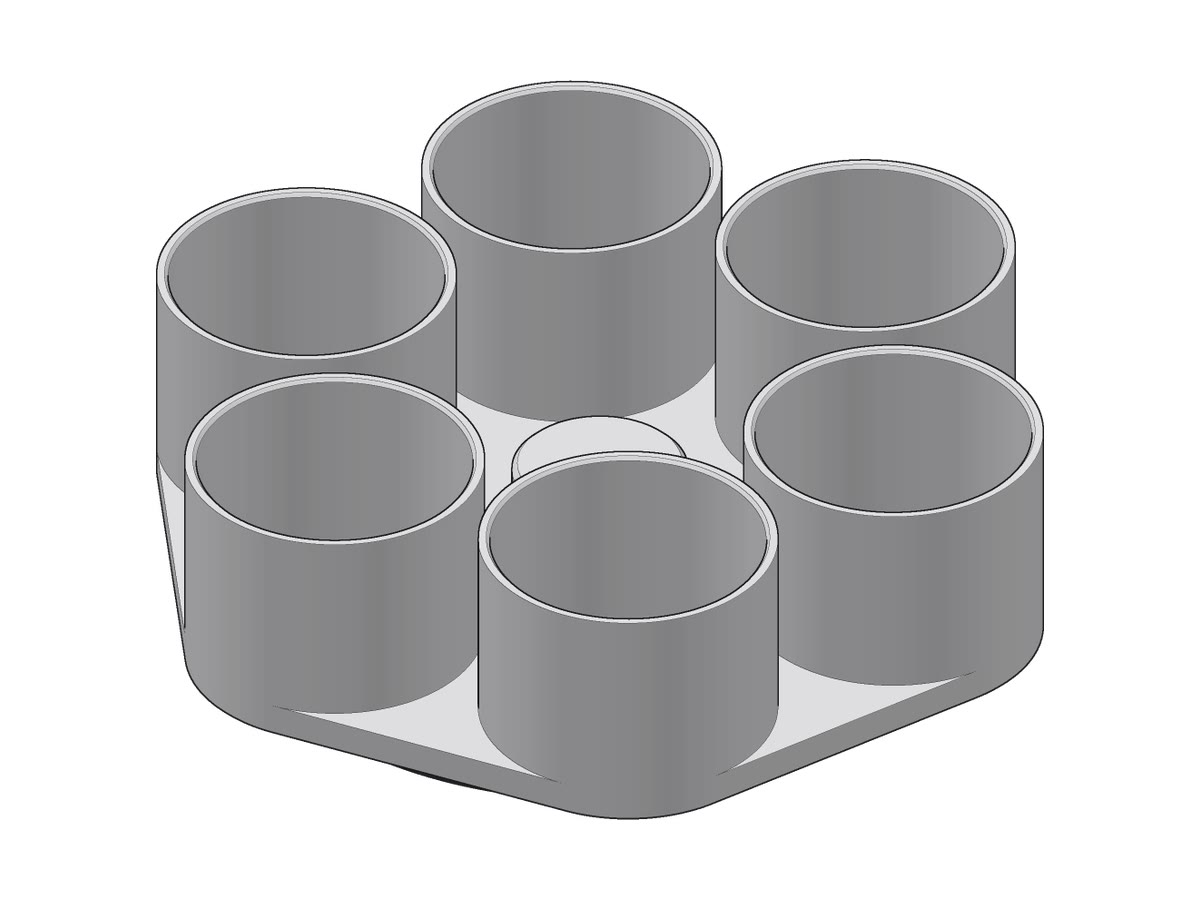
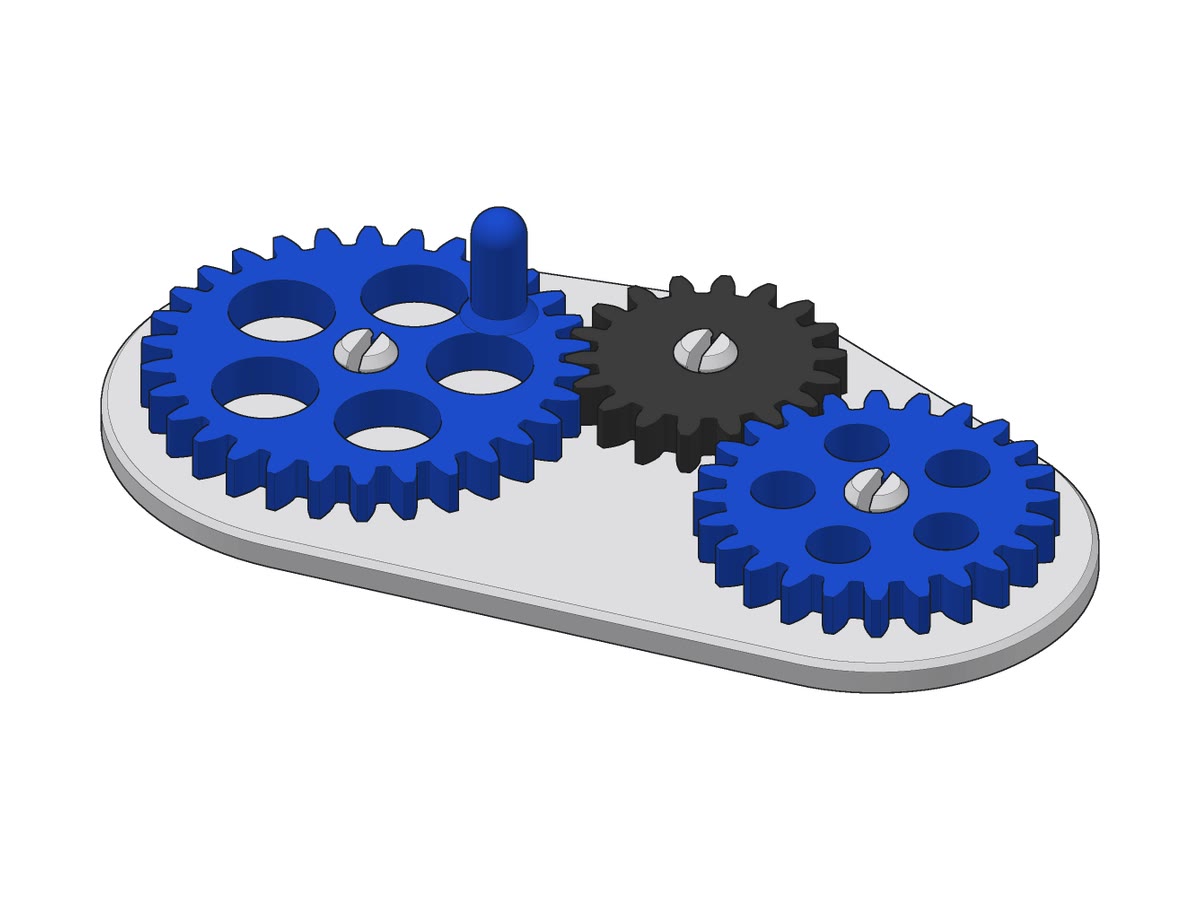
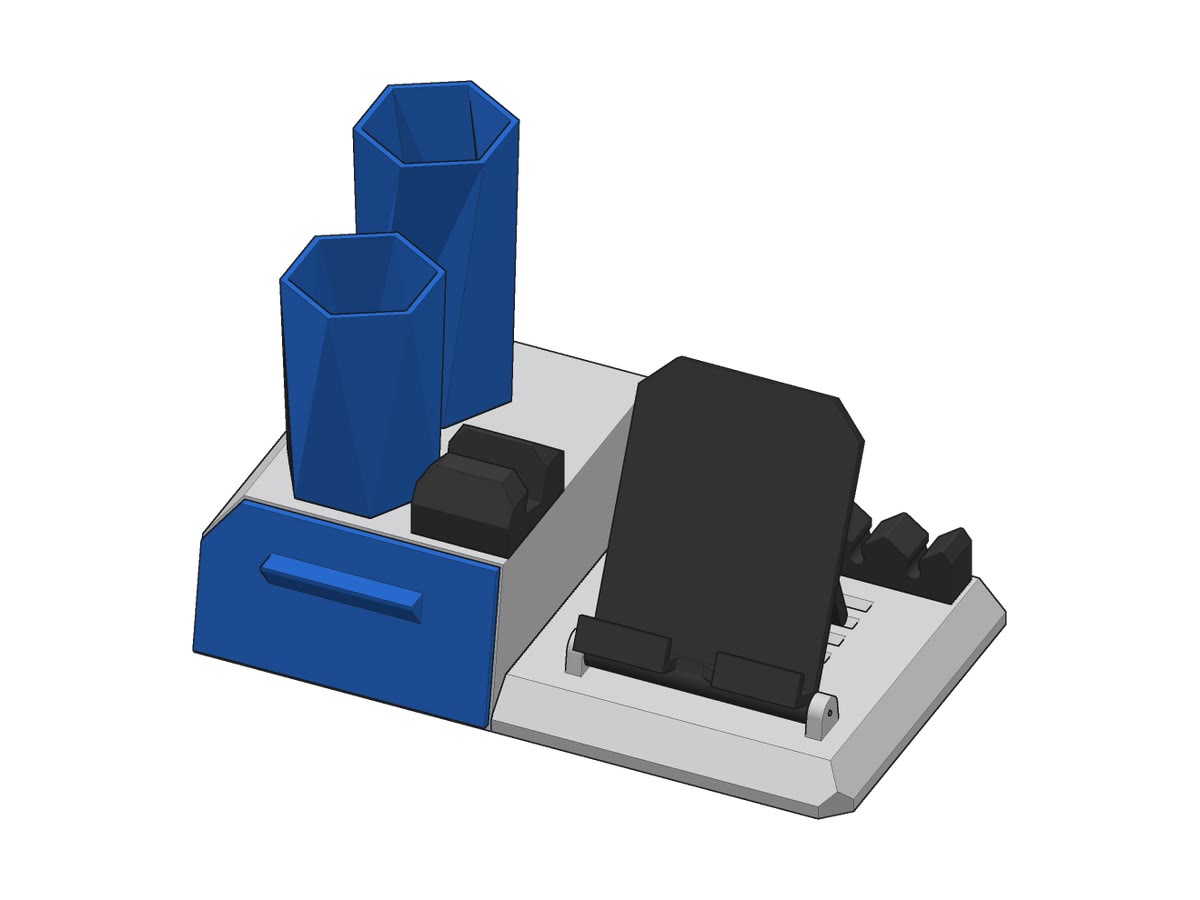
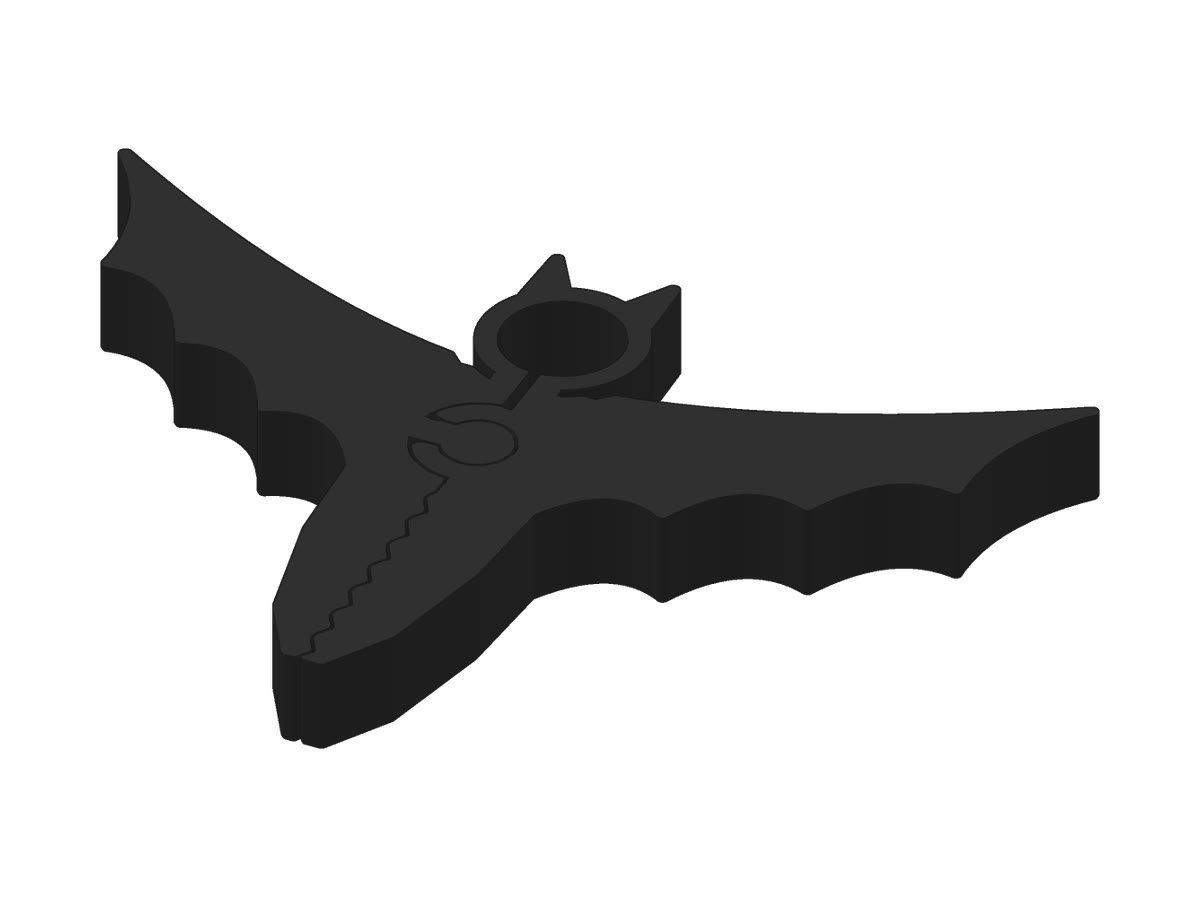
Pots, hooks, boxes, name tags, figures. Parts are drawn in OpenSCAD, sculpted figures in Blender.
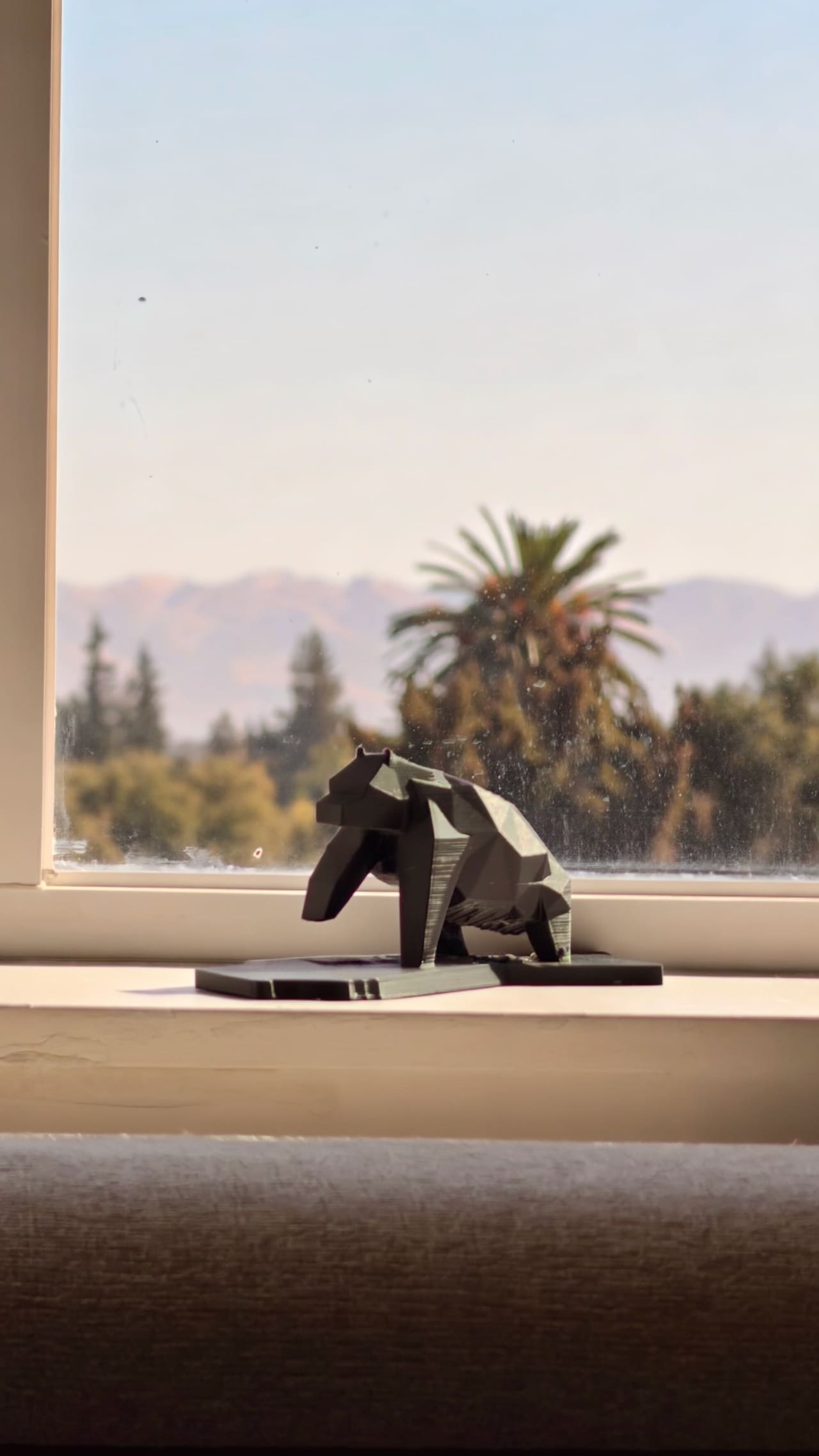
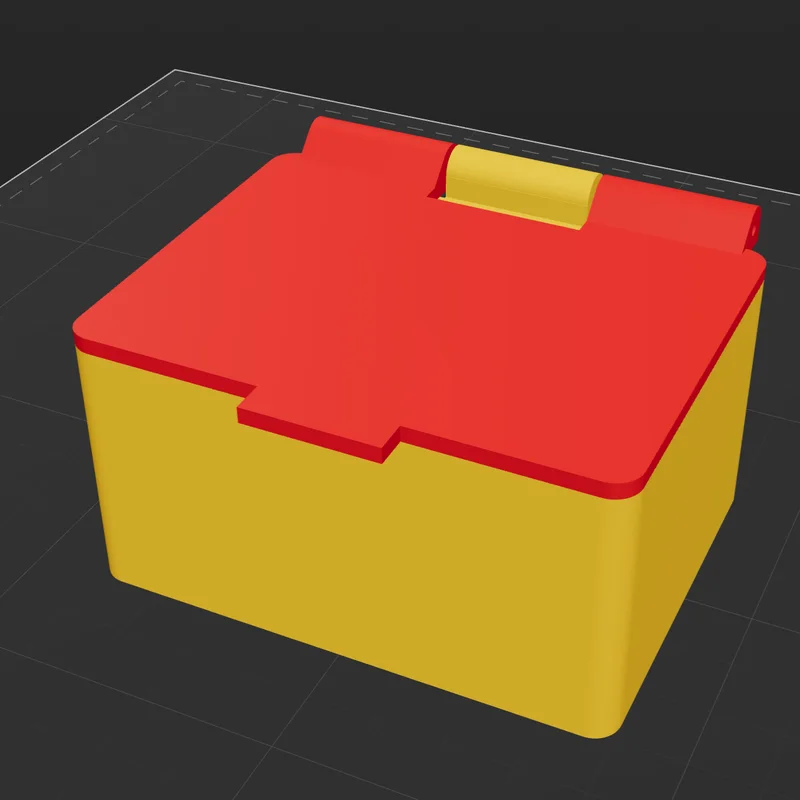
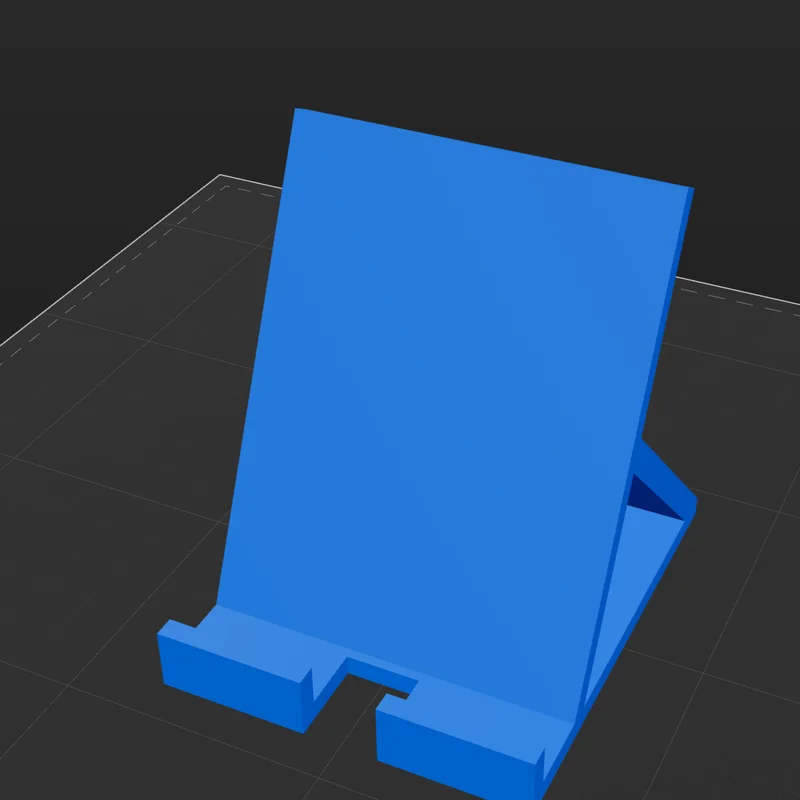
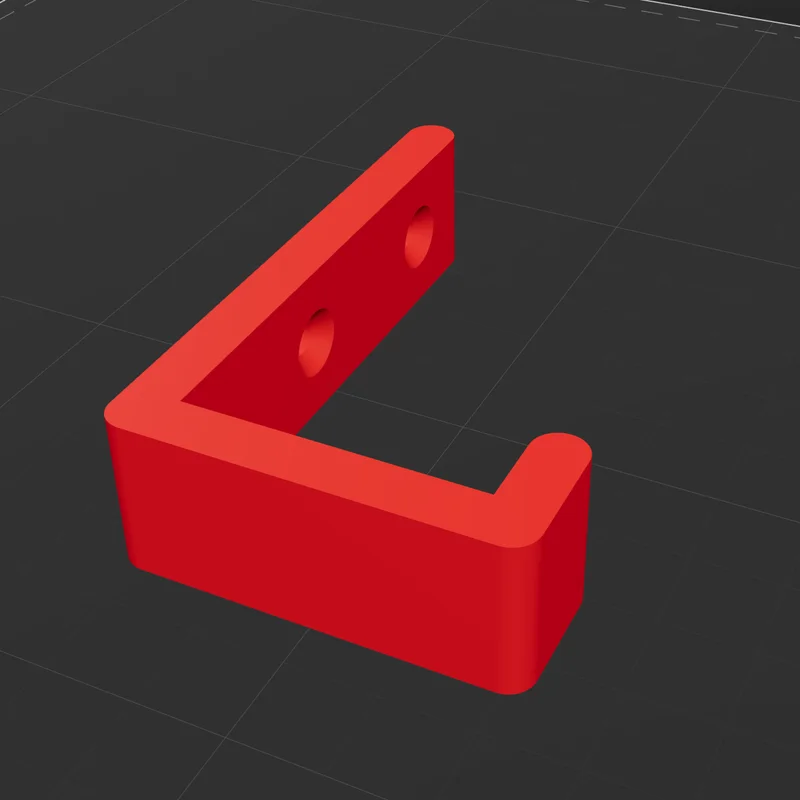
Or anything you can describe.
Start from a blank page or a starter: a box, a hook, a phone stand, a name tag, a plant pot, a desk organiser, a cable clip.


More than one part?
Crease writes the assembly guide too: a parts list, an exploded view, and steps you click through.
Live sliders
Drag a size or count. The model updates as you go.
Code view
Every design is plain OpenSCAD, there to read and edit.
Versions
Every change is kept. Compare any two, or go back.
Export
STL or 3MF, or a build pack with every file.
Print
Slice and send to a Klipper printer. Each colour gets its own filament slot.
Bring your
own designer.
The designer is an AI you already use. Sign in with your plan or add an API key. That service bills you for what it uses; on Claude a simple part costs cents.
- ClaudeYour Claude plan or an Anthropic API key
- CodexYour ChatGPT plan or an OpenAI API key
- GrokYour Grok account or an xAI API key
What you need
The setup screen checks each piece and tells you how to fix what's missing.
01
A Mac
Apple silicon, macOS 12 or later.
02
A designer account
Claude, Codex or Grok. Plus OpenSCAD and OrcaSlicer, both free.
03
A printer, if you like
Klipper printers print straight from Crease. For others, export the file. No printer? Use the practice printer.
Questions
Is it free?
Yes. Crease is open source under the Apache 2.0 licence. The designer runs on your own Claude, Codex or Grok account, and that service bills you for what it uses.
Do I need to know CAD?
No. You describe the part and answer a few questions. Every design is also plain OpenSCAD code, there to edit if you want to.
Which printers work?
Printers running Klipper with Moonraker. One is verified on real prints so far, a Creality SPARKX i7. For Bambu, Prusa and others, save the print file and print it your way.
Can it print without asking me?
No. Every print waits for you to tick “The bed is clear” and press Print. The designer works in a sandbox with no network access.
Where do my designs go?
Into a Crease folder on your Mac, as plain files with their own version history. A build exports as one .zip you can open on another Mac.
Is it finished?
Not yet. Crease is alpha, built by one person with a team of coding agents. Expect rough edges, and please report them.
What will you
make first?
Free for Mac. Bring a designer account. A printer is optional.